How do I turn my reel into a post?
Transcribe your reel, copy its words and shape them for where they're going. You start from your own words instead of a blank page.
- Open your reel on Instagram, TikTok or YouTube Shorts in Chrome on your computer.
- Click the Reelread icon, then press Transcribe.
- Copy the text and shape it: trim it to a caption, add headings for a blog post, or split it into a thread.
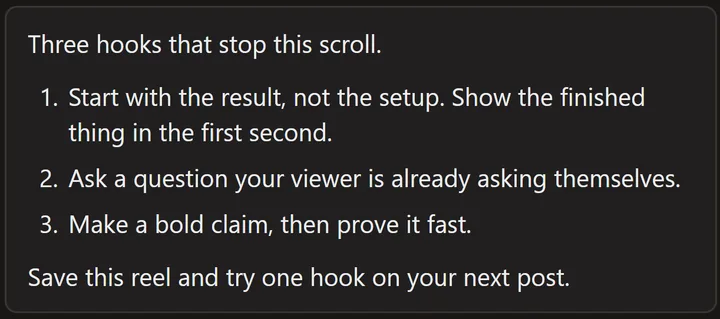 A demo reel we made ourselves, written out in Reelread.
Want a first draft? Press Send to AI, pick "Turn into a post for X or LinkedIn" and your own chat writes it from your words: see how to summarize a reel with ChatGPT or Claude.
What can't it do?
It gives you your words as you spoke them. Turning speech into a good post is still your edit.
Questions
Can I get subtitles for my reel?
With Reelread Complete, $11 once, download SRT subtitles with timings, for editors and platforms that take SRT files.
Does it work on my reels in Hindi?
Yes, with the free Hindi pack, which you turn on in Settings. Reels that mix Hindi and English in one sentence haven't been tested much yet, so check those.
Can I get the script of someone else's reel?
Yes, to learn from: see how to get the script of a viral reel. Their words stay theirs, so don't post them as your own.
Is my reel uploaded anywhere?
No. The speech becomes text on your computer, and nothing is sent anywhere unless you press Send to AI.
Is it free?
Yes: unlimited transcripts for your first 5 days, then 7 a day, with Send to AI and TXT and Markdown downloads. Reelread Complete, $11 paid once, removes the limit and adds SRT subtitles. See pricing.